
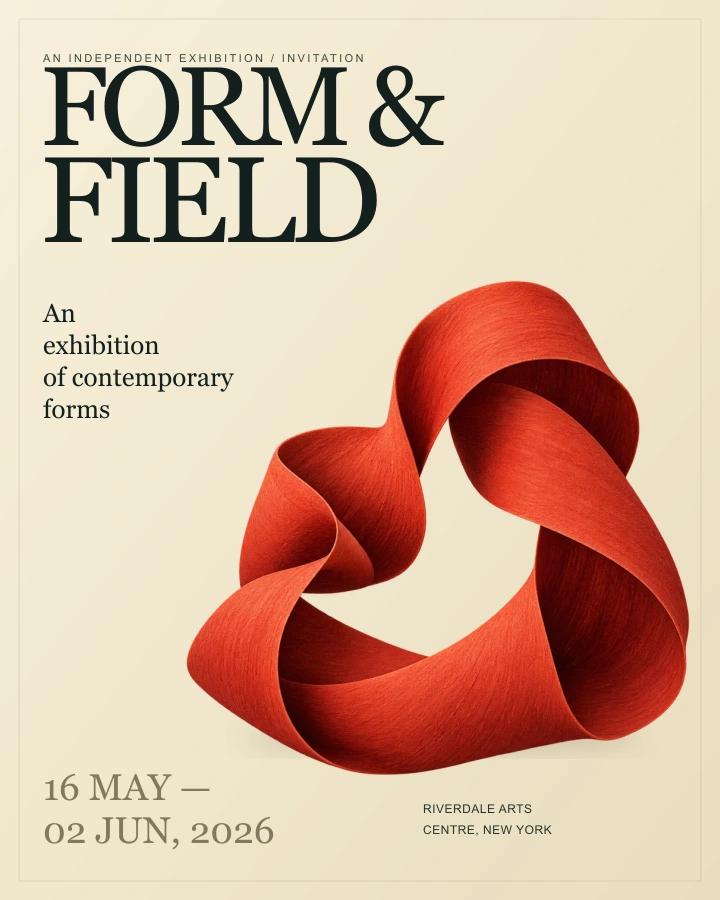
Studio
01 / PLANA focused starting point for a small creative studio.
€19/ studio / month
- Up to 5 members
- 10 active reviews
- EXPLORE THE WORKFLOW
DESIGN APPROVALS, BEAUTIFULLY RESOLVED
One version. Focused feedback.
A clear next step.
Product design · Interactive workflow
THE ART OF A CLEAR HANDOFF
Keep the review anchored to a single, named version of the work.
Turn a reaction into an actionable request, tied to the version it describes.
Check the latest version and keep the decision in the review history.
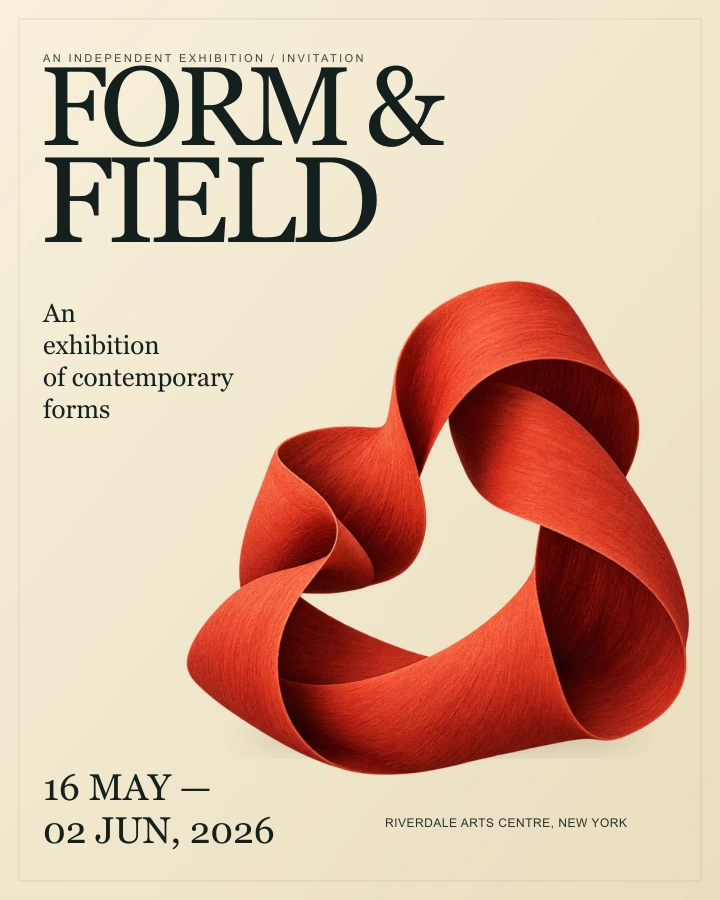
ONE PREPARED EXAMPLE / A COMPLETE REVIEW CYCLE
BUILT AROUND THE DECISION
A version to look at. A comment with somewhere to go. A decision that belongs to the work you actually reviewed.
Explore the productArtwork, useful feedback and a saved decision. One clear history of what happened next.
About the workflow →Two studio sizes. One clear way to review creative work.
A focused starting point for a small creative studio.
€19/ studio / month
Room for a larger team and more work in review.
€49/ studio / month
Explore the plan structure and try the review workspace. Subscriptions are not activated on this site.
What you can try.
How the workflow unfolds.
The reviewer checks the current version and chooses a clear next step: request a specific change or approve the work.
A version is one prepared artwork. A comment describes a change requested for that version. The history keeps these actions distinct.
Use the exhibition invitation or upload your own image. Share a private review link, collect feedback and publish a new version.
Yes. Create a new workspace for a fresh review. Existing projects, files and decisions stay in your history.
One identifiable version, an actionable comment and an explicit decision. The review history keeps the sequence easy to follow.
GOOD WORK DESERVES A CLEAR NEXT STEP
A complete review, right in your browser.
Two prepared versions. No account needed.